Cosa ti offriamo per garantirti sicurezza dei dati, privacy e prestazioni ottimali?
Dati salvati su server 100% PROPRIETARI localizzati in Svizzera
Larghezza di banda illimitata (per un sito veloce ed efficiente)
Webhosting certificati
E il prezzo: quanto ti conviene?
Per il primo mese è GRATIS e disdici quando vuoi
Da 9.90 CHF/mese, dopo i 30 giorni di prova
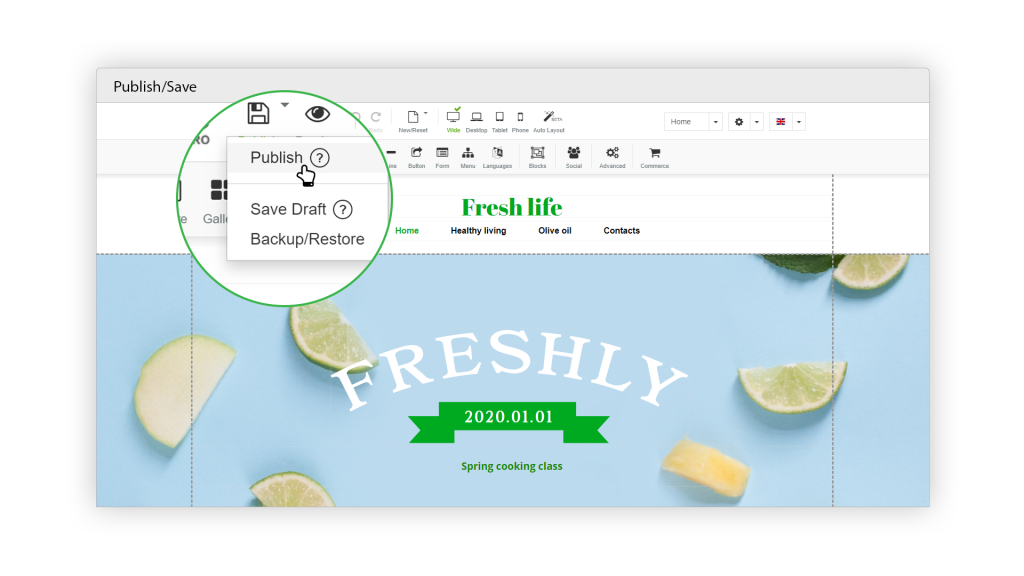
Gratis anche il Website Creator
Incluse nel prezzo anche le funzionalità E-commerce
50% di sconto per gli studenti
Prova 30 giorni GRATIS
Prova ora qualsiasi prodotto Hosting gratuitamente per 30 giorni, utilizza il codice promozionale 'JF463BK2TV' alla cassa (applicato automaticamente se clicchi il bottone).
Sicurezza bancaria
I nostri server si trovano in uno stabile conforme alle seguenti certificazioni: SOC 1 Type II, SOC 2 Type II, PCI-DSS, ISO 27001.
Team Ticinese
Tutti i nostri collaboratori parlano Italiano come madre lingua, questo significa Hosting con qualità Svizzera e supporto in lingua Italiana.
Alte prestazioni
Non facciamo compromessi, i nostri server sono dotati di componenti all'avanguardia e vengono regolarmente revisionati.
Prezzi onesti
Pur fornendo prestazioni altissime, garantendo la sicurezza dei tuoi dati e mantenendo tutta l'infrastruttura i nostri clienti godono di prezzi onesti.
Il primo dominio è regalato, per sempre.
Abbonandoti e rinnovando un Hosting S, M o L ti regaliamo un dominio .ch o .li o .it. Questa promozione non ha scadenza.